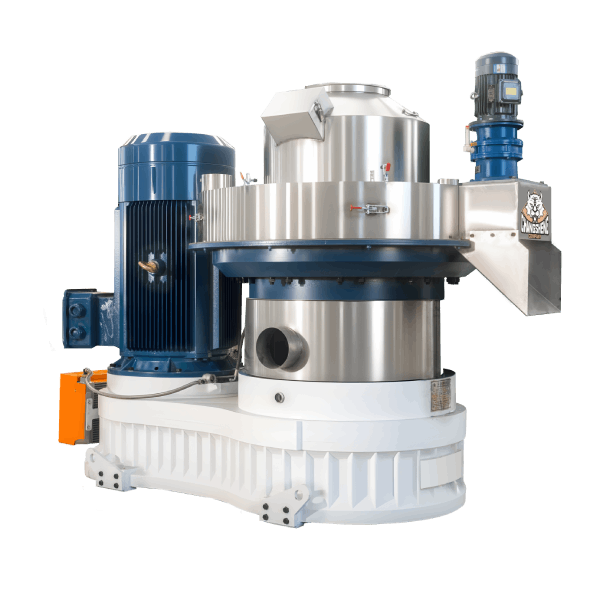
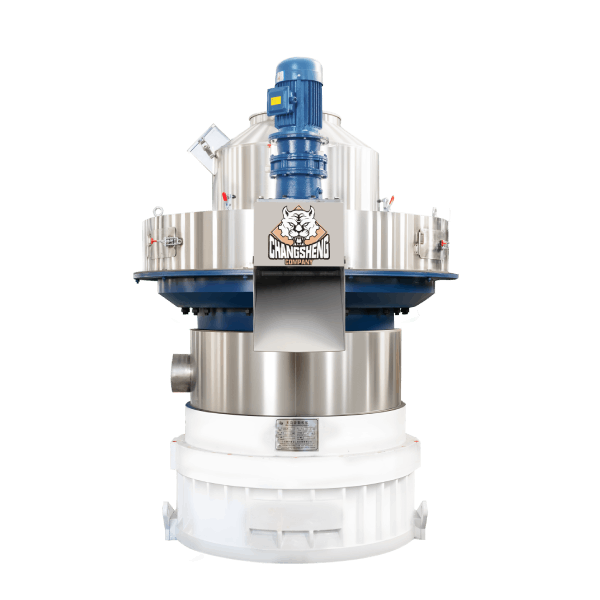
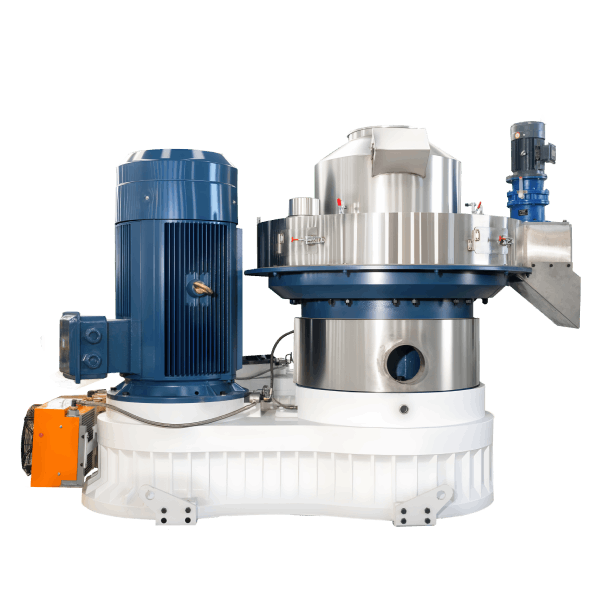
Pellet Mill Running Slow: Causes, Diagnosis and Fixes
News 2026-10-27
A pellet mill running slow is usually a capacity problem, not a speed problem, but a wrong VFD setting, an abnormal motor speed, or a transmission slip can produce a speed problem that looks the same. The machine may be running at its set speed, and the output per hour is below what it should be, or the machine may be running at the wrong speed, and the output is below the rating for a different reason. The two are separated by the motor current and the shaft speed, and the cause is found by checking the items in order rather than by increasing the speed.
The distinction that matters first is whether the loss is sudden or gradual. A sudden loss points to a change in the material, a die blockage, or a feed fault, but a sudden motor, VFD, or transmission fault can produce the same symptom and must be ruled out with the current and speed readings. A gradual loss points to die wear, a feed rate that has drifted, or a machine condition that has changed over time, and a gradual change in the material source can produce the same result. A machine that has always run slow points to a selection problem or a test-condition mismatch, not a fault.
This article covers how to tell a sudden loss from a gradual loss, how to measure the output, how to separate a material problem from a die problem and a machine limit, how to judge die wear and roller clearance, how feeder type changes what you see, which checks to run in order, when to stop rather than adjust, and what to record before contacting a supplier.
Sudden Loss or Gradual Loss
The timing of the loss narrows the cause faster than any other observation.
| What you observe | Likely cause | First check |
|---|---|---|
| Output drops suddenly after a material change | Material condition | Moisture, particle size, material source |
| Output drops suddenly with no material change | Die blockage or feed fault, or a motor, VFD, or transmission fault | Die hole condition, feeder delivery, motor current and shaft speed |
| Output falls gradually over weeks | Die wear or roller wear, or a gradual material change | Die hole condition, roller surface, die hours, material record |
| Output falls gradually with a rising motor current | Partial die blockage or a load change | Die hole condition, feed rate, moisture |
| Output has always been below the rated figure | Selection or test-condition mismatch | The material, moisture, and die the rating assumes |
| Output falls with a rising die temperature | Dry die or a feed problem | Feeder delivery, moisture, die temperature |
| Output falls with normal motor current and temperature | Feed rate setting or feeder calibration | Feeder setting, feed rate control |
A sudden loss is a fault and is usually found in the material, the die, the feeder, the motor, the VFD, or the transmission. A gradual loss is a wear trend and is usually found in the die, the rollers, the feed rate setting, or the material source. A machine that has always run slow is a selection problem, and the fix is a different die, a different material preparation, or a different machine, not a repair.
How to Measure the Output
An output complaint needs an output measurement, and the measurement needs the same conditions as the rating.
| Measurement item | What to record | Why it matters |
|---|---|---|
| Output weight | The weight of the pellets produced over a measured time | Gives the t/h figure |
| Measurement period | The start and end time, and whether the period includes stops | A period that includes stops gives a lower average than the running period |
| Material | Type, source, moisture, particle size | The rating assumes a material |
| Pellet diameter and die | The die specification and the pellet diameter | The rating assumes a die |
| Motor current | The current during the measurement | Confirms the machine was at load |
| Pellet quality | The density, durability, and fines | Confirms the output was saleable |
The output figure should be compared with the quoted capacity at the same material, moisture, particle size, pellet diameter, and die. A comparison against a quoted figure without those conditions is not a comparison, and a supplier who quotes a capacity without them has not specified a machine.
Material Condition
Why it reduces output: The die passes material at a rate that depends on the material. Wet material does not flow through the holes evenly, and the die chamber backs up. Oversized particles do not enter the holes and reduce the open area. Excessive fines pack into the holes and reduce the open area. A material change from the one the die was selected for produces a lower output even when the machine is working correctly.
What to check: Moisture at the mill inlet, particle size after grinding, and the material source against the material the die was selected for.
What to do: Correct the moisture and the particle size before adjusting the machine. If the material has changed permanently, the die specification may need to be changed, and the change should be confirmed by a pelletizing test.
Die and Roller Condition
Why it reduces output: A worn die has enlarged or smoothed holes that no longer compress the material correctly, and the output falls as the wear progresses. A partially blocked die has less open area, and the output falls at the same feed rate. Worn or glazed rollers lose grip, and the material is not pressed into the holes efficiently. Incorrect roller clearance reduces the compression force or increases the friction.
How to Judge Die Wear
Die wear is judged from the hole condition and the service record, not from a single output figure.
| Indicator | What to check | Where the limit comes from |
|---|---|---|
| Hole entrance diameter | Measured against the new die specification | Die supplier documentation |
| Hole edge condition | Rounded, polished, or chipped | Die supplier documentation |
| Hole length and compression ratio | Whether the effective compression length has changed | Die supplier documentation |
| Die hours in service | Compared with the expected life for the material | Die supplier field data for the same material |
| Output trend | A gradual decline at the same material and feed rate | The machine’s own production record |
The wear limit should come from the die supplier documentation and the field data for the same material, not from a general figure.
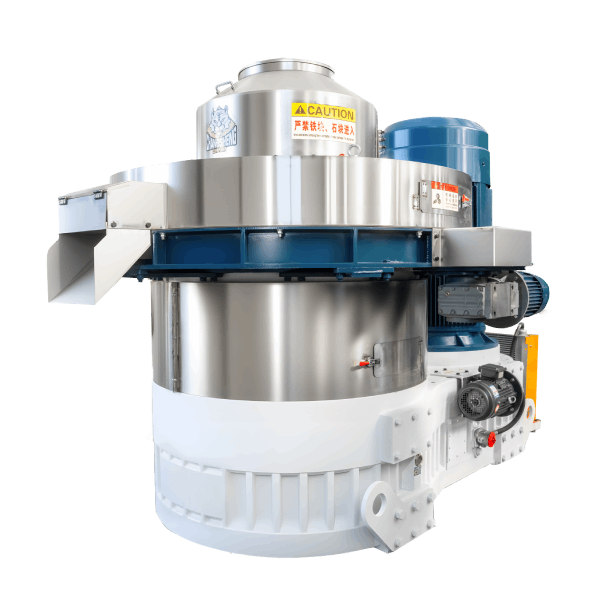
How to Measure Roller Clearance
The roller clearance is measured with a feeler gauge at the point and in the way stated in the machine manual, with the machine stopped and locked out. The measurement position, the tool, and the frequency should follow the manual, and the value should be recorded against the manual specification. A clearance that has drifted from the setting is a clearance that changes the compression and the output.
What to do: Replace a worn or damaged die. Clear a partially blocked die using the die manufacturer procedure. Replace worn rollers. Set the roller clearance to the manual specification. Do not tighten the clearance beyond the manual range to compensate for a worn die.
Feed Rate, Feeder and Drive
Why it reduces output: The feeder delivers material to the die chamber at a rate that the control sets. A feeder that is set too low, or that is delivering unevenly because of bridging or a worn part, reduces the output even when the die and the material are correct.
What to check: Feeder setting, feeder motor current, feed rate stability, and the material level in the hopper. The feeder type changes what you see.
| Feeder type | Low-output symptom | What to check |
|---|---|---|
| Screw feeder | The screw turns, but the material output is uneven or low | Screw wear, bridging in the hopper, motor current |
| Belt feeder | The belt runs, but the material layer is thin or uneven | Belt tension, belt tracking, material gate setting |
| Vibratory feeder | The tray vibrates, but the material flow is low or stops | Tray condition, vibration amplitude, material build-up on the tray |
A feed rate that is set low to keep the motor current low is a feed rate that is limiting the output, and the correct setting is the one that keeps the current within the range at the highest stable output.
Machine Limit
Why it reduces output: The machine may be running at its design limit for the material and the die. A capacity figure that was quoted for one material and one die does not apply to another material and another die, and the machine may be running correctly at an output below the quoted figure.
What to check: The material, moisture, pellet diameter, and die that the quoted capacity assumed, against the current conditions. The comparison should align the two sets of conditions, or the two figures cannot be compared.
What to do: If the machine is at its limit for the current conditions, the options are a different die, a different material preparation, or a different machine. Increasing the speed or the feed rate beyond the limit usually does not increase the output, and it accelerates die wear and motor overload. The extent depends on how far the setting exceeds the limit and how long it is run at that setting.
Diagnostic Order
Use this order to avoid adjusting the machine before the cause is found.
- Confirm whether the loss is sudden or gradual, using the table above.
- Measure the output at the same conditions as the rating, using the measurement table above.
- Check the material moisture and particle size against the die specification.
- Check the die hole condition and the die hours.
- Check the roller surface and the roller clearance.
- Check the feeder setting and the feed rate stability, according to the feeder type.
- Check the motor current and the die temperature against the manual range.
- If all seven are within the manual specification, compare the actual output with the conditions the quoted capacity assumed.
When to Stop Rather Than Adjust
Stop the machine when any of the following applies.
| Condition | Action |
|---|---|
| Output falls with motor current above the manual range | Stop. Inspect the die and the die chamber. |
| Output falls with a die temperature rise | Stop. Inspect the die surface and the feeder. |
| Output falls with a new noise or vibration | Stop. Inspect the rollers, the bearings, and the drive. |
| Die hole damage or partial blockage is visible | Stop. Replace or clear the die before restart. |
| Output falls after a foreign object entered the die chamber | Stop. Inspect the die and the rollers. |
What to Record Before Contacting a Supplier
The record makes the comparison possible.
| Item | What to record |
|---|---|
| Material | Type, source, moisture, particle size |
| Die | Specification, hours in service, hole condition |
| Rollers | Surface condition, clearance setting |
| Feed rate | Setting, feeder motor current, stability |
| Motor current | Value against the nameplate range |
| Die temperature | Value against the manual range |
| Output | Value, measurement period, and the conditions it was measured at |
Frequently Asked Questions
How do I know whether the die is worn?
A worn die has an enlarged or smoothed hole entrance, a rounded or chipped hole edge, and a changed effective compression length. The hole condition is compared with the die supplier documentation, and the die hours are compared with the field data for the same material.
When should I replace the die instead of adjusting the machine?
Replace the die when the hole geometry has changed, when the die has reached its wear limit, or when the output has fallen gradually despite correct material, feed rate, and roller clearance.
Why is my pellet mill running slow when the motor current is normal?
A normal motor current with a low output usually points to a feed rate setting that is below the die capacity, a feeder that is delivering unevenly, or a die that is worn but not blocked. The feed rate setting and the die condition are the first checks.
Can I increase the output by increasing the feed rate?
The feed rate can be increased up to the point where the motor current stays within the manual range. Increasing it beyond that point overloads the die and the motor, and it does not increase the output. The correct feed rate is the one that gives the highest stable output within the current range.
Why did the output drop after I changed the material?
A different material has a different density, fiber content, and moisture behaviour, and the die that was selected for the previous material may not suit the new one. A pelletizing test with the new material confirms whether the die is suitable.
Request Diagnostic Support for Your Pellet Mill
Send the material type, moisture, and particle size, the die specification and hours, the roller condition and clearance, the feeder type and setting, the motor current and die temperature, and the output with the measurement period and conditions. A diagnostic review can be prepared against the machine and the operating conditions rather than against a general checklist.
Capacity figures, die and roller life, feed rate settings, clearance values, and acceptance criteria in this article must be confirmed against the machine manual, the die and roller supplier documentation, and the material test data. This article does not provide universal values for these items.